Wondering how long it would take to learn Python from scratch? See 4 signs your child is ready to move from Scratch to Python from 2ndrank
Introduction
Your child has built a Scratch game, then another, then a third. Now they are asking, "Can I make something real?" And you are wondering whether it is time for Python.
For most kids aged 10 to 12 who have spent several months building their own Scratch projects, the answer is yes. Some are ready at 8 or 9, and some are happiest in Scratch until 13.
The next question every parent asks is: how long would it take to learn Python from scratch? The pun is unavoidable, because learning Python "from scratch" (with zero experience) and learning it "from Scratch" (after block coding) are two different journeys. This guide covers both, so you can spot the right moment and set realistic expectations.
The short version
- Children who already code in Scratch usually reach comfortable Python basics in about 2 to 3 months, and independent projects in 6 to 12 months.
- Complete beginners with no coding background take longer, often 3 to 5 months for the basics.
- The 4 signs below tell you far more than age does: projects feel too easy, blocks feel limiting, the core ideas are solid, and error messages no longer cause meltdowns.
How long would it take to learn Python from scratch?
A child who already codes in Scratch can usually learn Python basics in 2 to 3 months, while a complete beginner needs closer to 3 to 5 months. Both timelines assume steady weekly practice with a tutor or parent checking in.
For context, published guides for adults starting with zero experience put Python fundamentals at roughly 2 to 6 months, with 12 to 18 months to feel job-ready. Children have fewer hours to give, but they learn fast when projects are fun. A Scratch background also shortens the first stretch, because loops, variables and conditionals are already familiar. Only the typing is new.
| Starting point | Python basics (variables, loops, conditionals, functions) | Confident independent projects |
|---|---|---|
| Scratch-experienced child, ages 10 to 12 | About 2 to 3 months | About 6 to 9 months |
| Scratch-experienced child, ages 8 to 9 | About 3 to 4 months | About 9 to 12 months |
| Complete beginner, ages 11 to 14, no Scratch | About 3 to 5 months | About 9 to 12 months |
| Complete beginner, ages 14 to 16 | About 2 to 4 months | About 6 to 12 months |
These are typical ranges for a child who practices about 2 to 3 hours a week, including one live class. They are not guaranteed. Three things move the numbers more than age does:
- Consistency. Two short sessions a week beat one long weekend marathon.
- Feedback. A tutor who spots a mistake in the moment saves hours of frustrated guessing.
- The goal. Writing a text adventure takes weeks. Building a data project or an AI model takes many months on top of the basics.
Sign 1: Scratch projects feel too easy
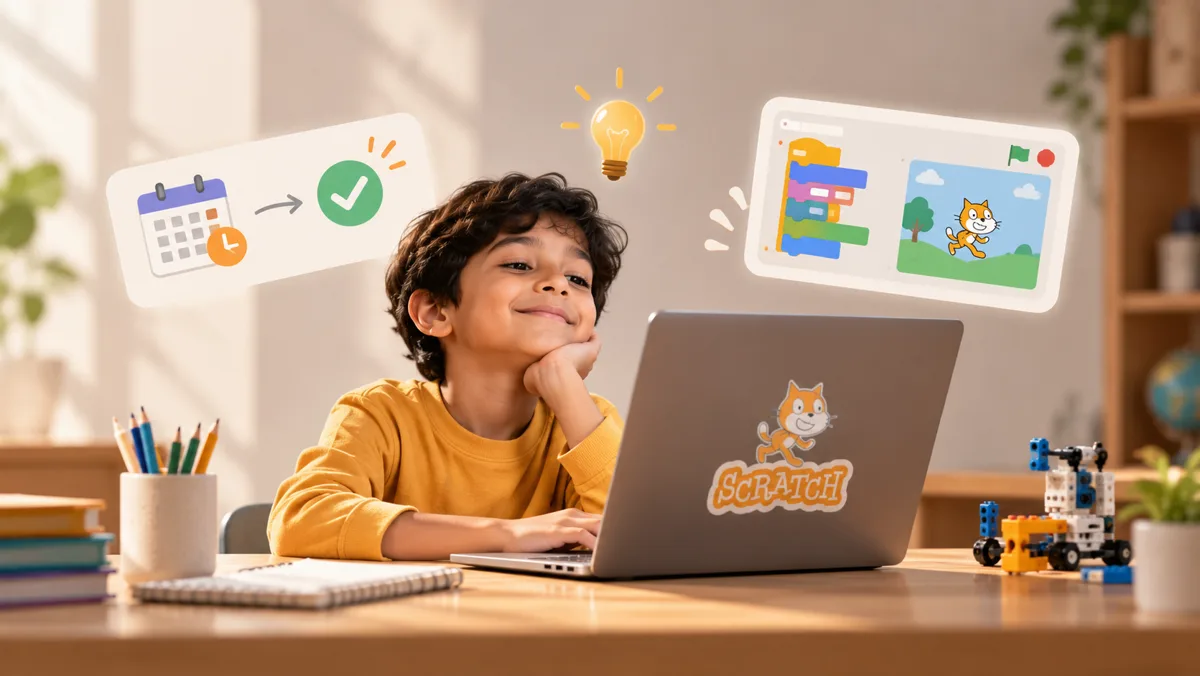
Signals are idiosyncratic. For example, your child finishes a project in one sitting, shrugs, and starts rebuilding a slightly different game.
What it looks like at home
- Projects that used to take a week, take an evening to complete.
- Children stop asking for help.
- Children say "I already know how to do that" to new ideas.
Why does it matter? 8 to 16 year olds are Scratch's target audience, and many kids happily stay in that audience for years. If a child is repeating the same level, they are not being protected from something they cannot handle; they are just not being challenged. Educators and facilitators say the same thing: if kids do not challenge themselves in Scratch, they quickly become bored and frustrated, and lose interest. If projects are completed rapidly and kids are not challenged, it is time for a harder program or Scratch project.
Quick check. Ask your child to explain the most challenging project they completed in Scratch. If they become energized when discussing it, they are still challenged and growing. A shrug, or talking about a project they finished months earlier, means it is time for more challenge, such as moving from Scratch to a text-based language like Python.
Sign 2: They want more control than blocks allow
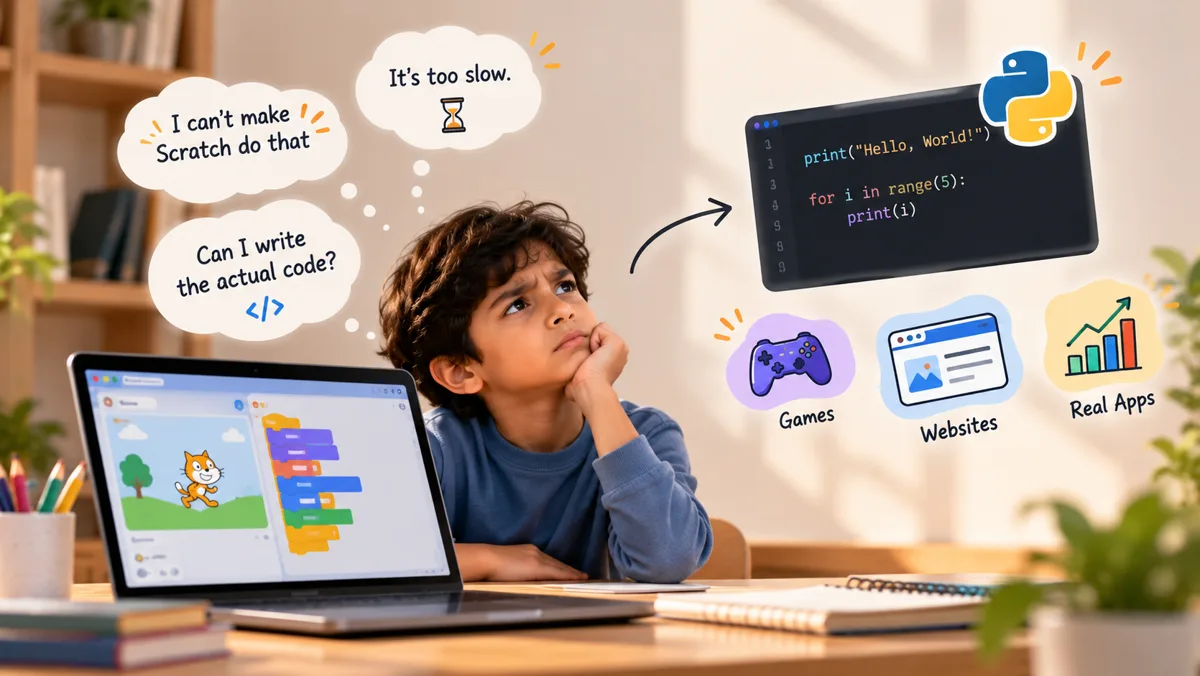
Blocks have their limits. Children want to do things like create a game with hundreds of enemies, a high-score table that saves, and programs that read names from files.
What it looks like at home
- Complaints like "I can't make Scratch do that" or "it's too slow."
- Interest in how real apps, games and websites are made.
- Questions about typing code, such as "Can I write the actual code?"
Why does it matter? Block coding hides the typed syntax that professionals use, which is exactly why it is such a gentle start. Once a child feels the ceiling, text-based coding becomes a source of power instead of a chore. Python is a popular next step because it reads closer to plain English than many languages, and the same language is used in web development, data analysis and AI.
Quick check. Does your child ask for something Scratch cannot do, rather than something easier to do inside Scratch? Curiosity about limits is a stronger signal than age.
Sign 3: The core ideas are solid (loops, variables, conditionals)
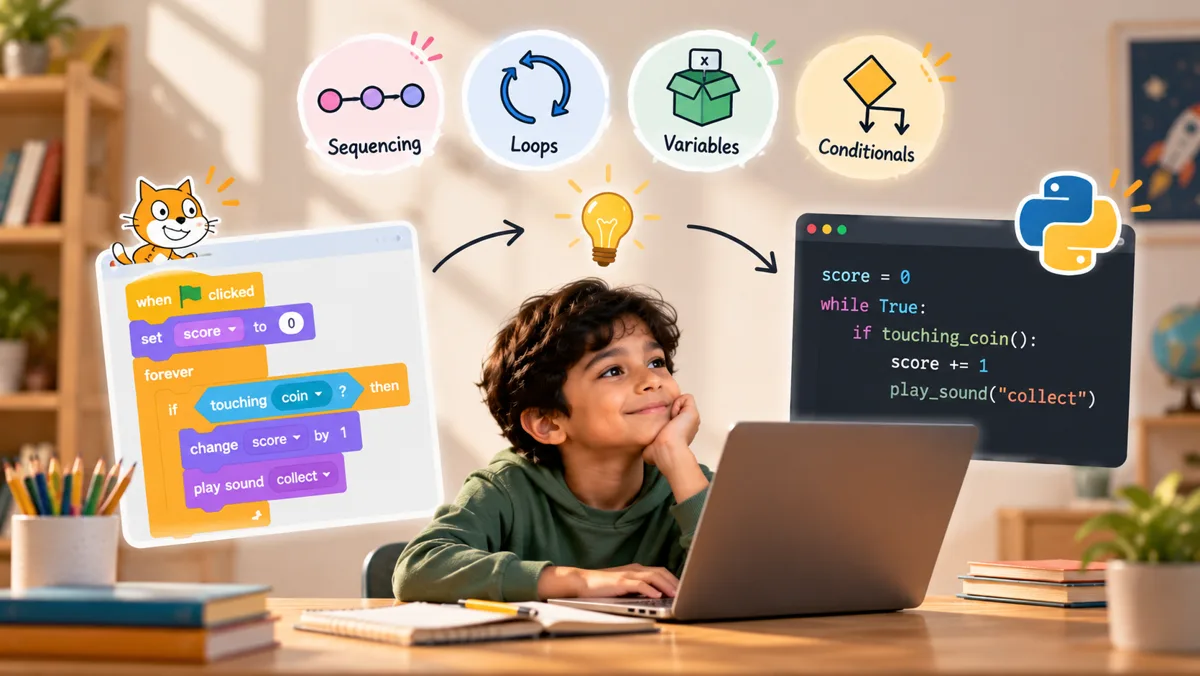
Python is mostly the same thinking in a new outfit. A child who has genuinely built projects, rather than passively following tutorials, has already learned most of the logic Python needs: sequencing, loops, variables and conditionals.
What it looks like at home
- They use variables on purpose, for example a score, lives or a timer.
- They can explain what a "repeat until" or "if / else" does in their own words.
- They debug by thinking ("the score only goes up when the sprite touches the coin, so...") rather than clicking random blocks.
Why does it matter? Without these foundations, Python feels like two hard things at once: new concepts and new typing. With them, only the syntax is new. Teachers moving learners from Scratch note that the thinking skills transfer directly, and one common trick is to recreate a familiar Scratch project in Python so the child sees the same logic in new clothes.
Quick check. Show your child a small Scratch script they did not write and ask, "What will this do?" If they can predict the result before pressing the green flag, their foundations are strong.
Sign 4: They can handle precision and error messages
This is the sign most parents forget, and it often decides whether the switch goes smoothly. In Scratch, a wrong block simply does something odd. In Python, a missing colon or a misspelled variable produces a red error message, and that can feel like failure to a child used to blocks.
What it looks like at home
- They keep trying after a mistake instead of giving up or getting upset.
- They are comfortable typing, or at least willing to practice.
- They notice small details, such as a misspelled sprite name or a missing step, and fix them.
Why does it matter? Many children find Python much smoother from around age 8 or 9, once they have built a tolerance for precision and small errors. The skill to build is reading an error message as a clue, not a verdict. In fact, some learners find Python easier to debug than Scratch, because the error message tells them what went wrong and where.
Quick check. Next time a Scratch project misbehaves, watch how your child reacts. Calm curiosity is a great sign. Shutting the laptop is a sign to wait a little, or to move gently with a tutor beside them.
How to make the switch gently (and when to wait)
If your child shows two or three of the four signs, start with a low-pressure trial. If they show none, enjoy Scratch a little longer. Moving a child up too early is a more common mistake than moving them late, and it can put them off coding for months.
Wait a while if:
- They are still learning new things in Scratch and enjoy it.
- They are under about 8 and typing is slow or tiring.
- Variables and conditionals still confuse them.
- Errors cause tears. Build confidence first, then try again.
When they are ready, make it feel familiar. The Raspberry Pi Foundation's Scratch to Python course for teachers recommends turning Scratch programs into Python programs and comparing the two side by side. Here is a starter map you can use at home:
| In Scratch | In Python |
|---|---|
| say (Hello!) | print("Hello!") |
| ask (What's your name?) and wait | name = input("What's your name? ") |
| join (Hello) (name) | "Hello " + name |
| set score to 0 | score = 0 |
| change score by 1 | score += 1 |
| repeat 10 | for i in range(10): |
| forever | while True: |
| if / else | if ...: / else: |
A simple first-week plan
- Step 1. Recreate a small, familiar Scratch project (a quiz or a guessing game) in Python. Same logic, new syntax.
- Step 2. Start with text-only programs. Add graphics, such as Python's built-in turtle module, once typing feels natural.
- Step 3. Treat every error message as a clue. Read it aloud together and ask, "Which line is it pointing to?"
- Step 4. Keep Scratch for sketching ideas. Most children learn better by focusing on one language at a time, but Scratch remains a great place to prototype.
How 2ndRank guides the move from Scratch to Python
At 2ndRank, every coding student works one-to-one with a matched tutor, so the switch to Python follows the child's pace rather than a fixed calendar. Our coding classes for kids run from first block to first AI model, with Scratch, Python, web development and AI as a clear path.
What that looks like in practice:
- Readiness is watched, not guessed. The tutor sees how a child reacts to errors, how they explain a loop and how quickly they finish tasks, then decides when to introduce typed code.
- The first Python program is a Scratch project in disguise. Children recognize their own logic, so confidence stays high.
- Progress is visible. Our gamified levels include badges such as "First Python program" and "Debugging it without help," so parents can see real milestones, not just attendance.
- Families across time zones. We teach students in the US, UK and Canada (and beyond).
Not sure which stage your child is at? Book a free demo class. A tutor will watch your child code and tell you honestly whether to move to Python now or build a little more in Scratch first.
Frequently Asked Questions
Written by
2ndRank Editorial Team
Written by 2ndRank coding mentors who teach one-to-one Scratch, Python, web development and AI.


