2ndRank Logo
New!2ndRank Winter Offer is here60 - Minute Sessions 1:1 Live Online · 1 Dedicated Mentor30% OFFBook Your Slot

1:1 LIVE SESSIONS · AGES 5–16

Coding classes for kids,
from first block to first AI model.

Live 1:1 online coding classes for kids aged 5–16. Five levels, one mentor who stays, and genuine, playable code to showcase at the end of every session.

WORLD-1-1.EXE
FPS: 60
<CODE>
XP +100PYTHON
Let's code!
STAGE: ALGO_01STATUS: READY
{ } LOGICAI VISIONNEURAL NET

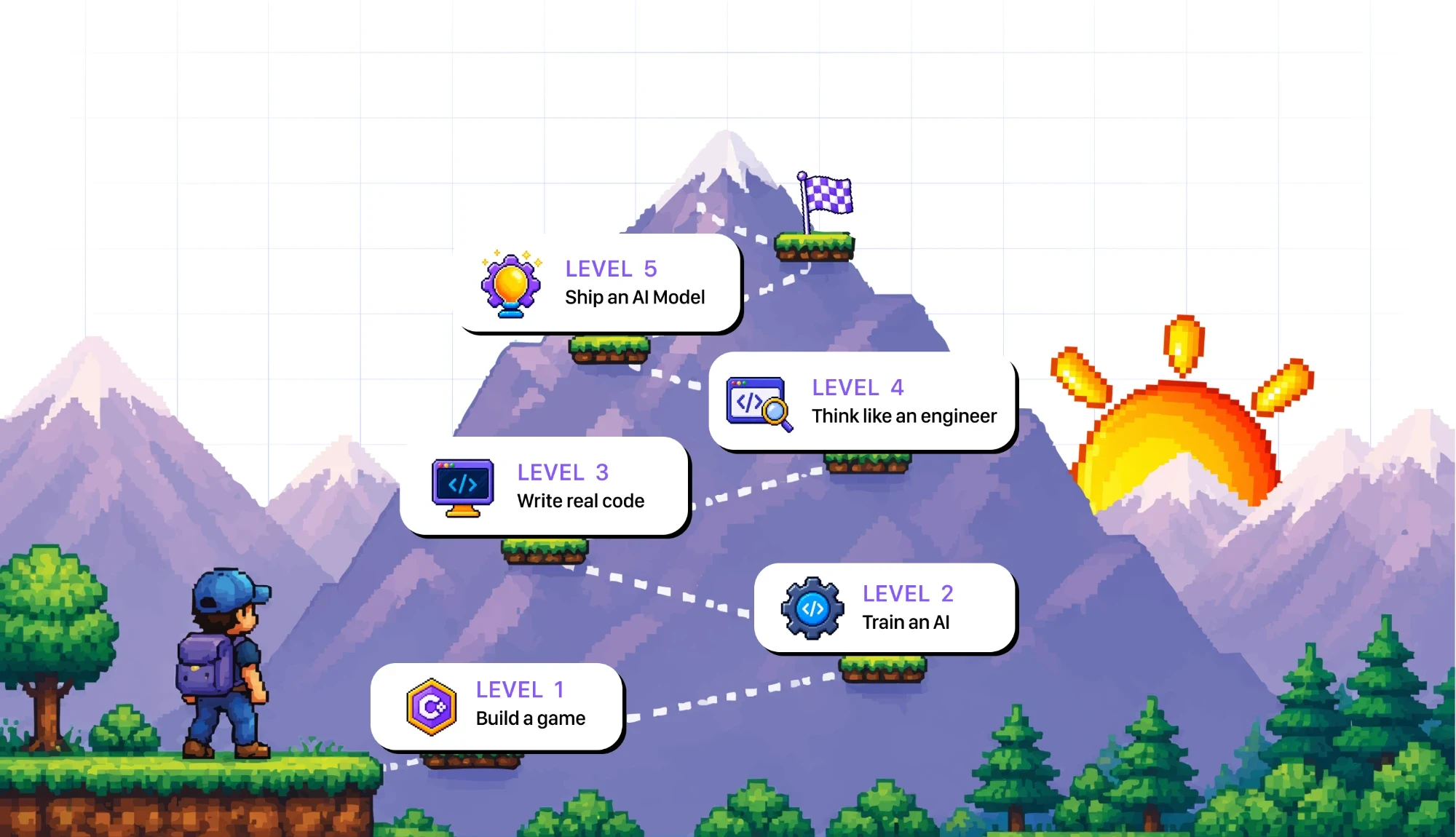
The five 2ndRank coding levels

  1. Level 1: Build a game
  2. Level 2: Train an AI
  3. Level 3: Write real code
  4. Level 4: Think like an engineer
  5. Level 5: Ship an AI Model

They start simple. Then they start building real things.

Block-based coding

Levels 1 & 2 · Ages 5–9

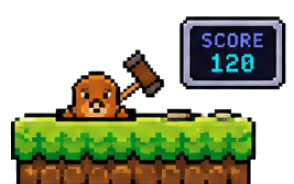
Children drag blocks together instead of typing, so they practise the same logic as real code without a missing semicolon stopping the lesson. It is a gentle start for coding classes for children who are new to the keyboard.

when [GREEN FLAG] clicked forever { move (10) steps } play sound "laser_blast.wav"
Start Level 01 track

Text-based coding

Levels 3, 4 & 5 · Ages 9–16

Children type real Python, the same language working engineers use, and move from short scripts to training their own AI models.

PYTHON 3.12.2 REPL

>>> import torch, rank_student

>>> model = rank_student.build_neural_net()

>>> print(f"Model Accuracy: {model.evaluate()}%")

Model Accuracy: 98.4% [SUCCESS]

>>>

Start Level 03 track

Which coding class is right for your child's age?

Age is a useful guide, but the right starting point also depends on how comfortable your child is with a keyboard, reading and logic puzzles. Here is how our levels line up.

AgeWhere they usually startWhat they work on
5–8Level 1, block-based codingDragging blocks to build a small game with movement, loops and sound.
9Level 1 or Level 3, depending on the assessmentEither blocks for a solid logic base, or a first step into typing Python.
10–16Level 3, text-based PythonWriting real code, then thinking like an engineer, and building toward an AI model.

Not sure where your child fits? The free assessment shows their starting level, so you do not have to guess.

What happens in every live coding session

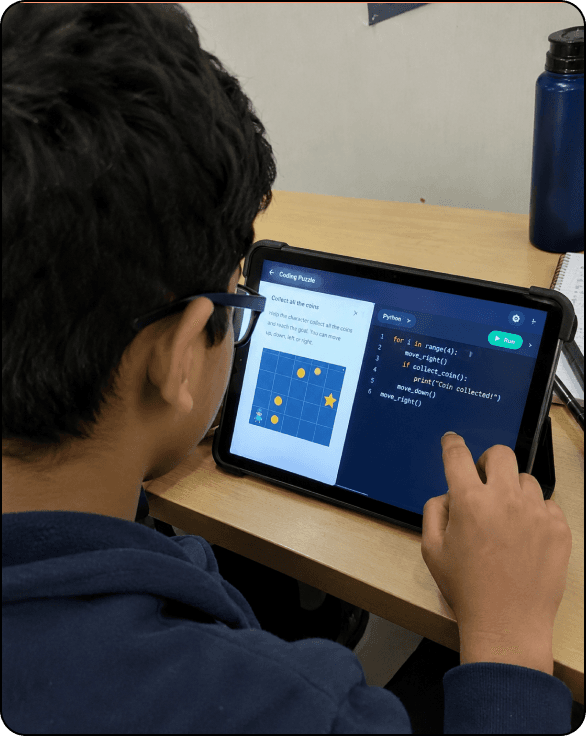
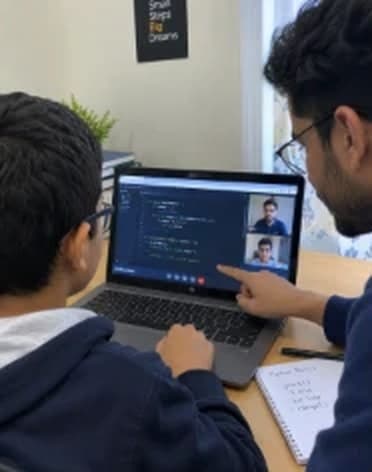
Every one-to-one session follows the same five stages, so your child always knows what comes next and leaves with working code.

  1. 01

    Stage 1 • Warm-up

    Warm-up and logic

    A quick logic puzzle, a review of the code from the last session, and agreement on today's goal.

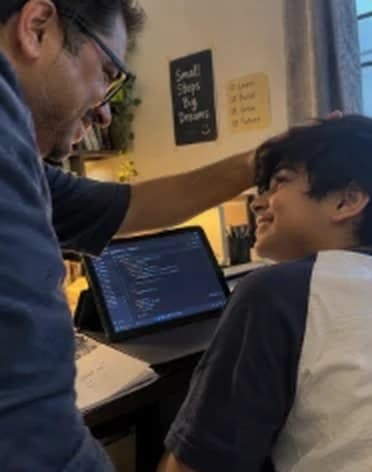
    Warm-up and logic — mentor and student in a live 1:1 coding session
  2. 02

    Stage 2 • Concept

    One new idea

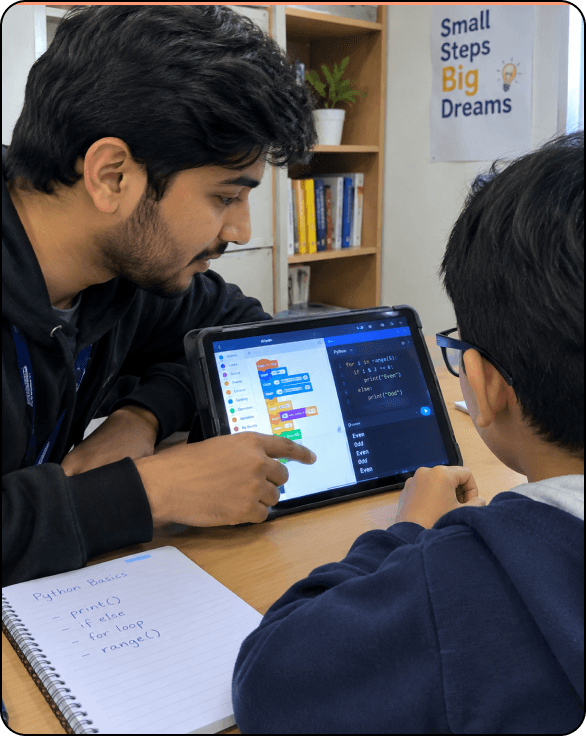
    The mentor demonstrates a new mechanism, such as velocity physics or fetching data from an API, with live visual debugging.

    One new idea — mentor and student in a live 1:1 coding session
  3. 03

    Stage 3 • Hands-on build

    Your child builds it

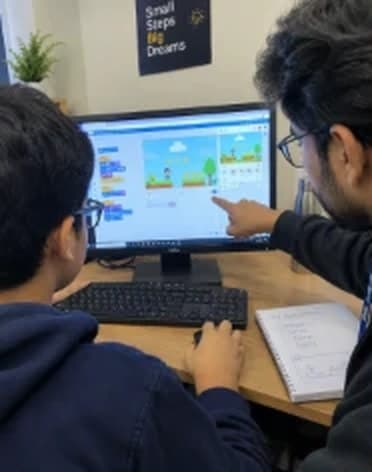
    Your child shares their screen and builds the feature, with proactive, gentle coaching from the mentor.

    Your child builds it — mentor and student in a live 1:1 coding session
  4. 04

    Stage 4 • Challenge

    Make it their own

    Your child changes parameters, adds custom sound effects, invents new enemy types or tweaks the gameplay speed.

    Make it their own — mentor and student in a live 1:1 coding session
  5. 05

    Stage 5 • Wrap & parent notes

    Saved and shared

    The work is saved to your child's cloud repository, and you receive an instant summary with code highlights.

    Saved and shared — mentor and student in a live 1:1 coding session

How to choose online coding classes for your child

Before you book any online coding class, check these five things. This is how ours measure up.

  • Check 01

    Is it live?

    Recorded videos are easy to skip and nobody answers a stuck child. Every 2ndRank session is live, one to one, with a mentor watching the screen.

  • Check 02

    Does the level fit the age?

    A seven-year-old should not be pushed into Python. Our path starts with blocks for ages 5–9 and moves to text-based Python from ages 9–16.

  • Check 03

    Does your child build something?

    Look for a visible result, not just theory. Every session ends with genuine, playable code your child can show you.

  • Check 04

    Will the mentor stay?

    A new teacher every term means starting over. Our model is one mentor who stays as your child climbs the five levels.

  • Check 05

    Can you try before paying?

    Ask for a trial first. You can book a free assessment and see how your child responds before deciding.

9 out of 10 parents say good things about us to their friends, see why

  • Improved school grades!

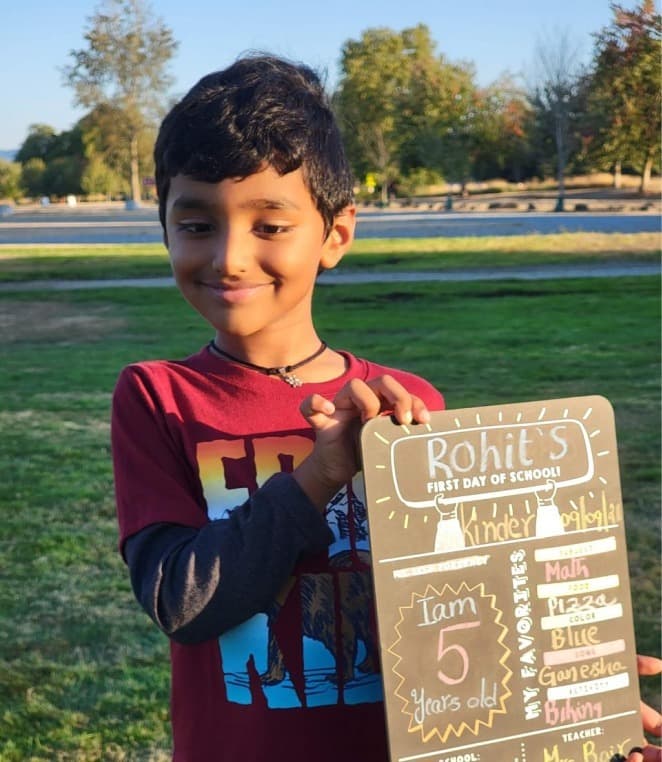
    Student holding his first-day-of-school board
  • Boost in confidence & morale

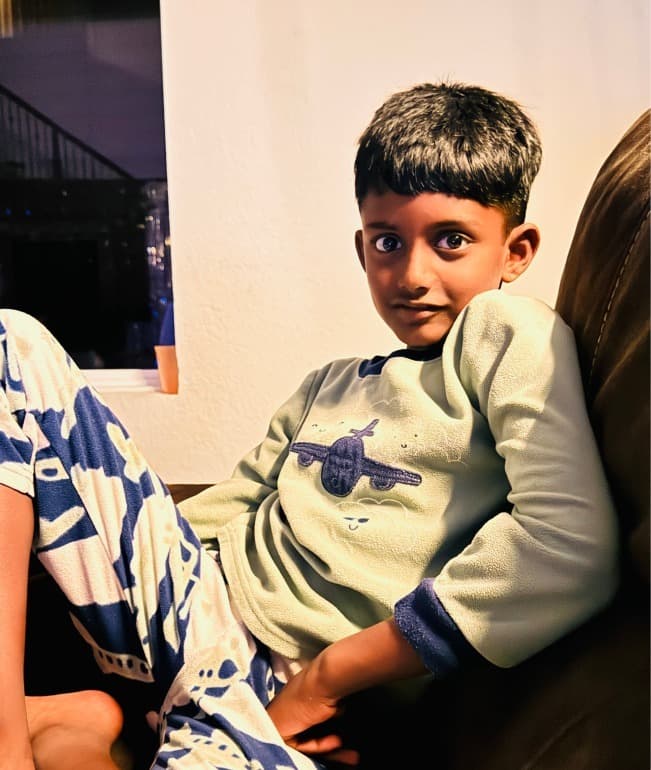
    Student relaxing at home in airplane pajamas
  • Winning events and competitions

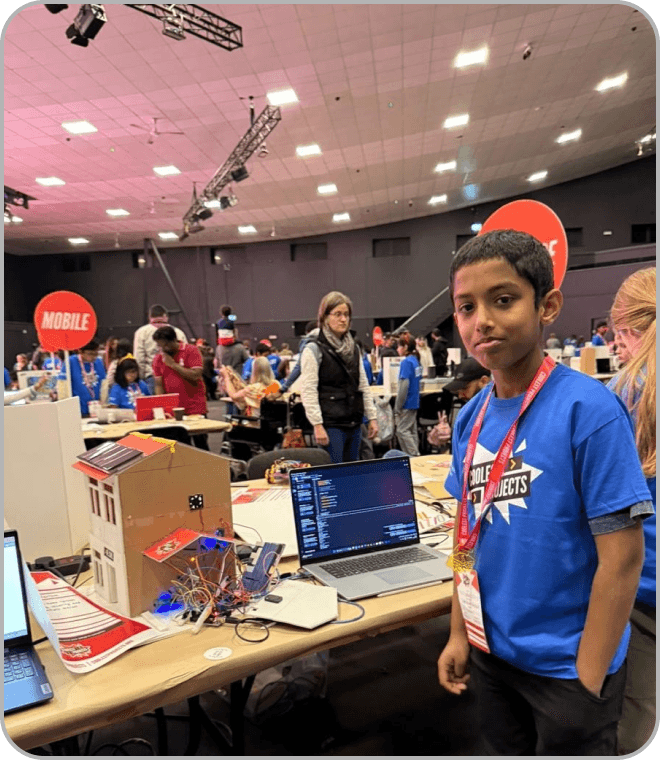
    Student at a hackathon with his project
  • Getting wide recognition

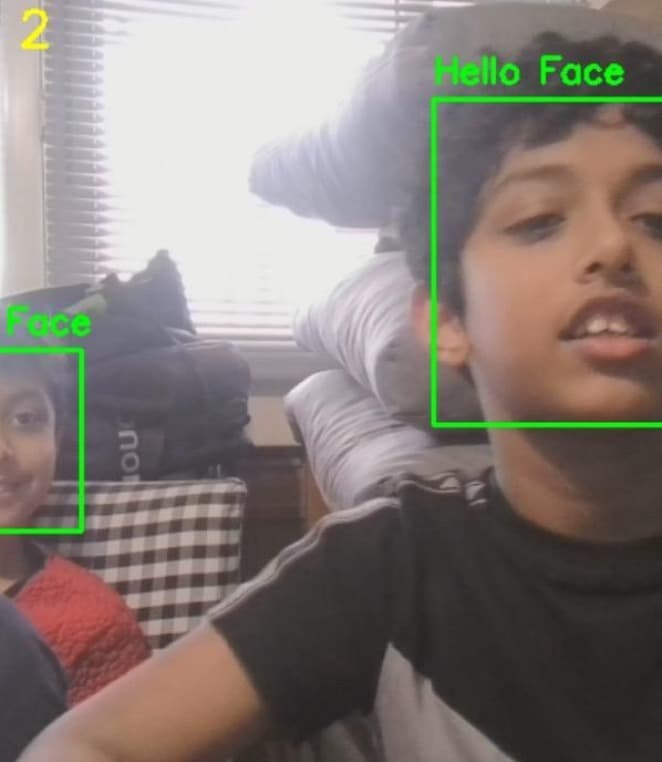
    Student's face-detection project running on camera

Frequently Asked Questions

Questions before the first level?

Hurry up!Limited seats available